


Skip to product information
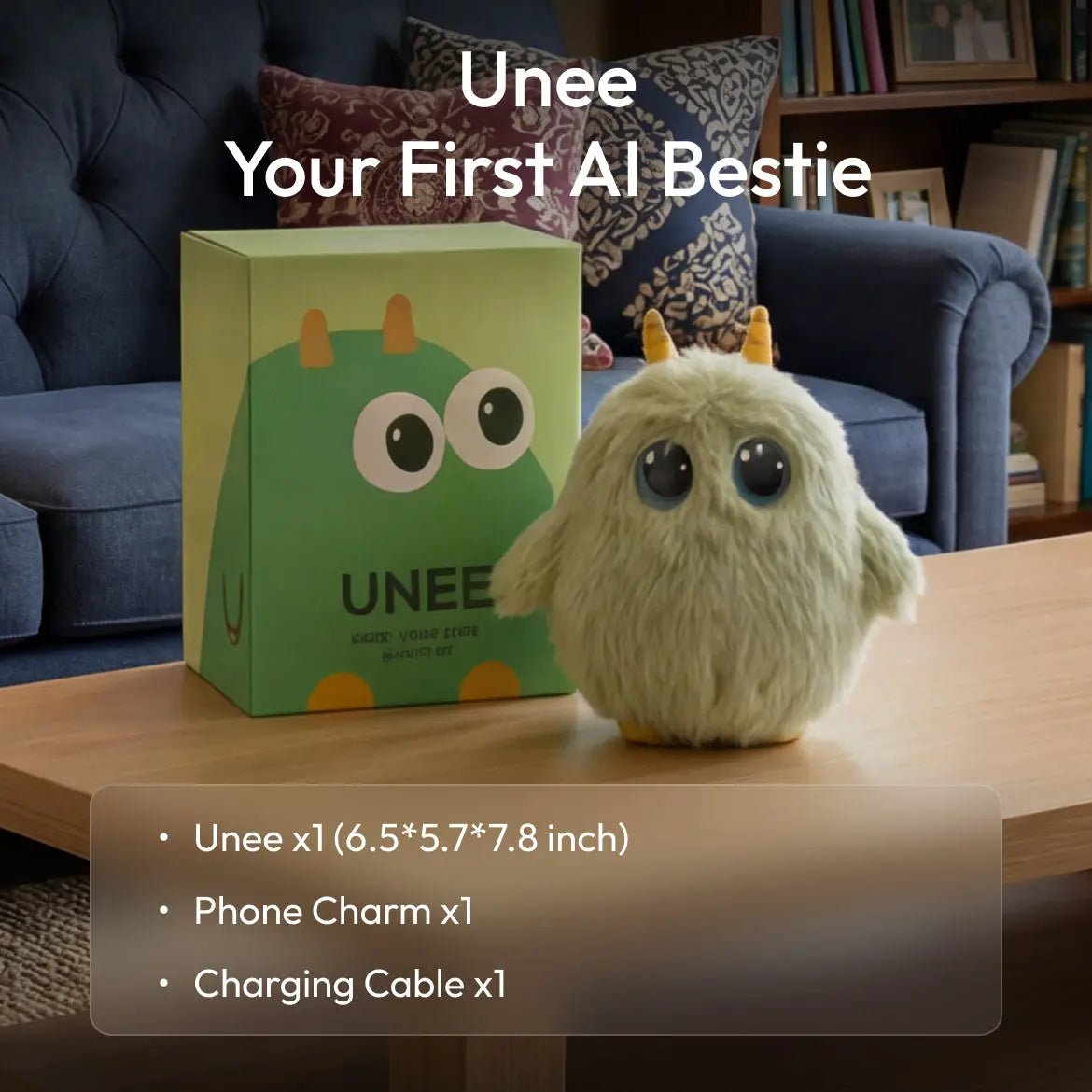
Unee - Your First AI Bestie - Unee

Unee - Your First AI Bestie

Sale price  $99.99 Regular price  $169.99
40% OFF

🚚 Free shipping

🚀 Free daily chat quota included

🔥 Unlimited chat is $1.99 for the first month, then $9.99/month.

💰30-Day Money-Back Guarantee | 🔧 1-Year Warranty

Payment methods
  • American Express
  • Apple Pay
  • Diners Club
  • Discover
  • Google Pay
  • Mastercard
  • PayPal
  • Shop Pay
  • Visa
Key features

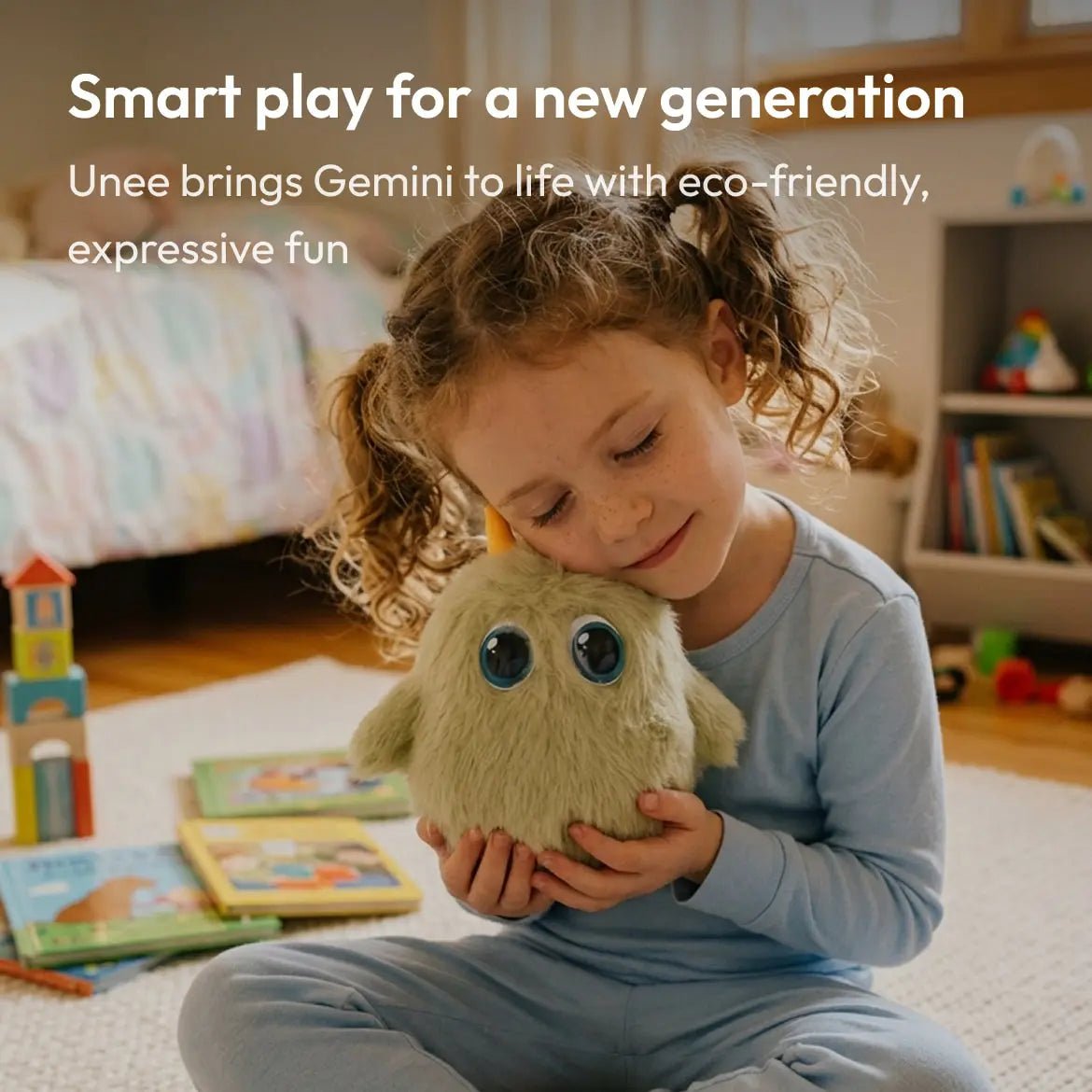
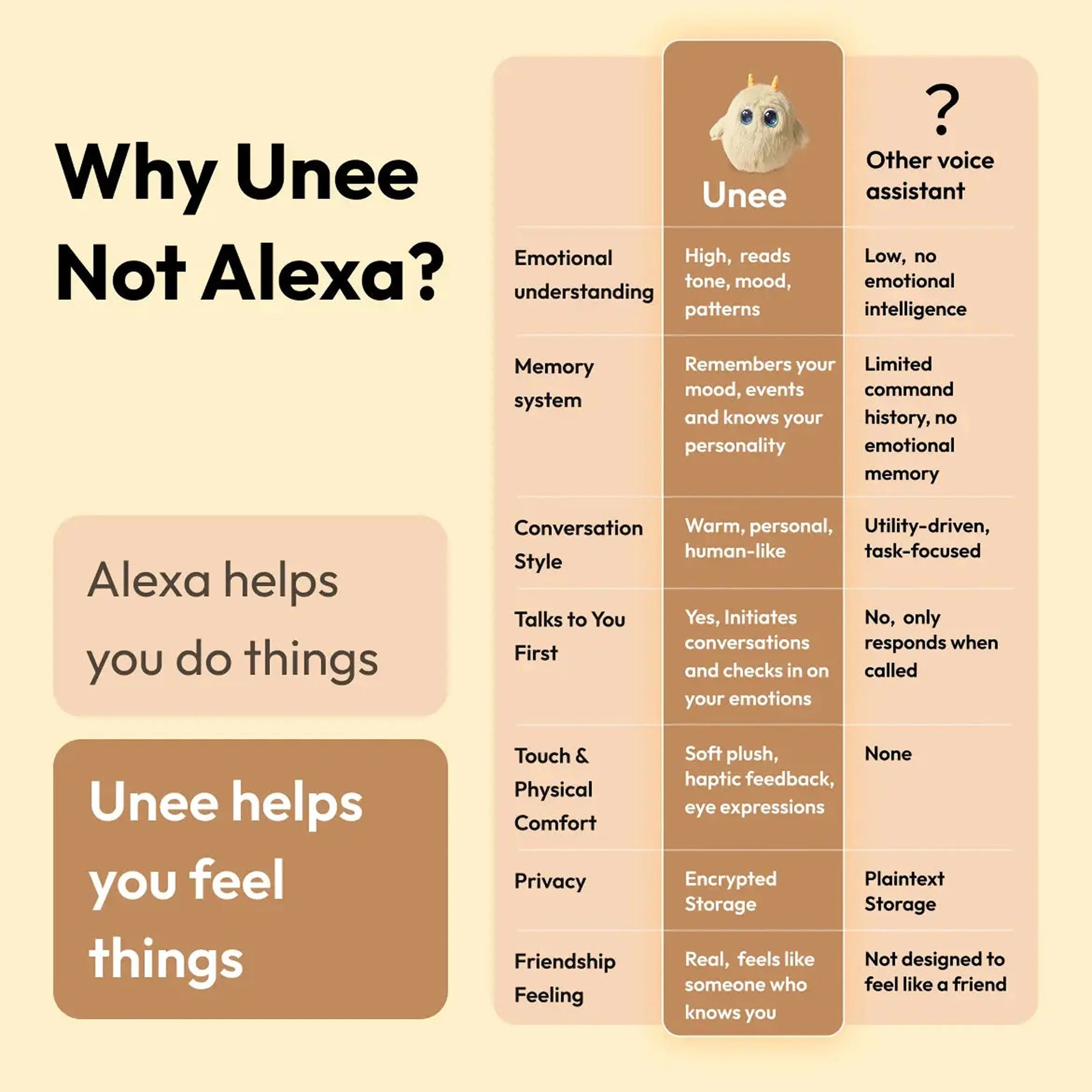
AI-embedded, beyond AI. Powered by Gemini and Mission AI’s Emotional Resonance Engine, Unee truly understands and cares.

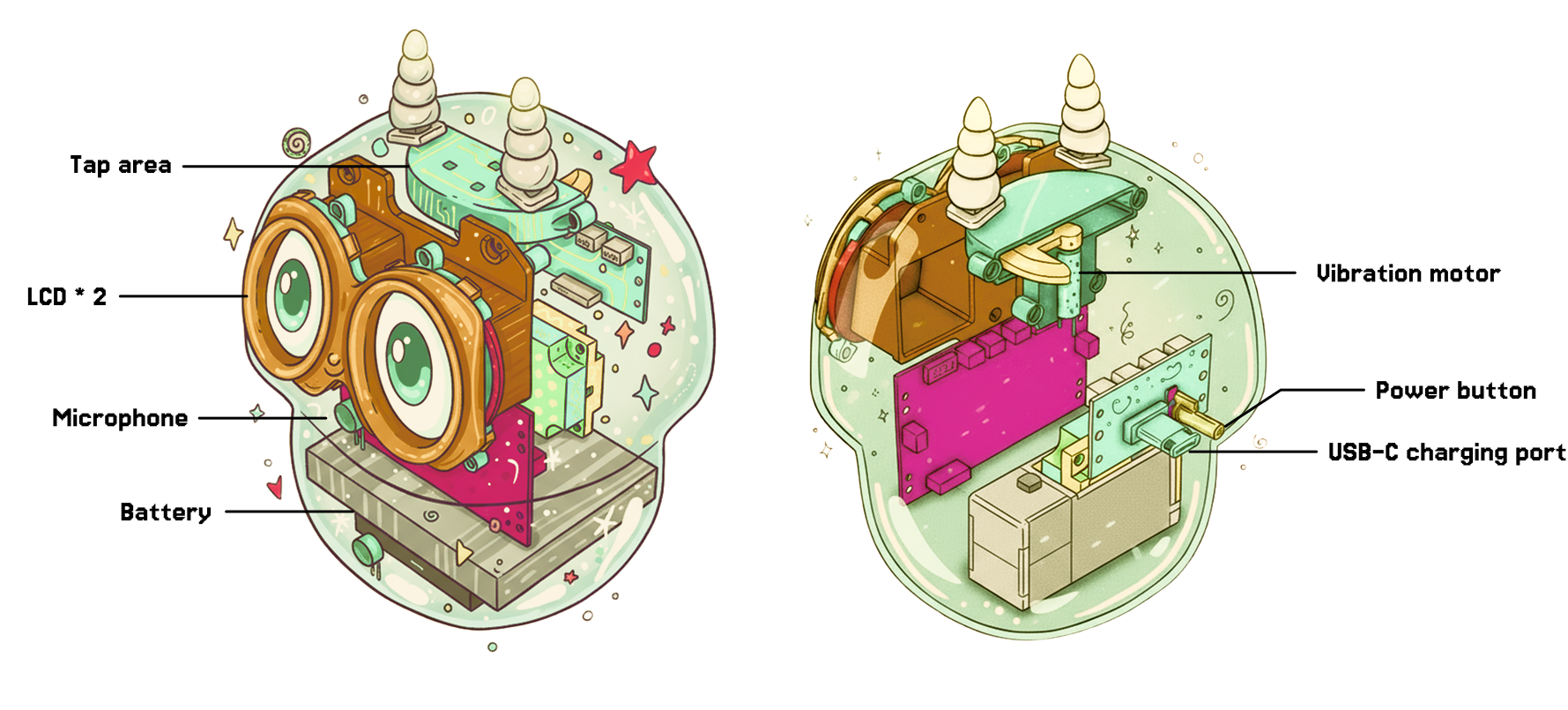
Immersive interaction. 50+ dynamic eye expressions and adaptive haptic feedback bring emotions to life.

Memory that grows with you. Multi-layered memory makes every chat personal and continuous.

Privacy built-in. Encrypted local memory ensures your thoughts stay yours.

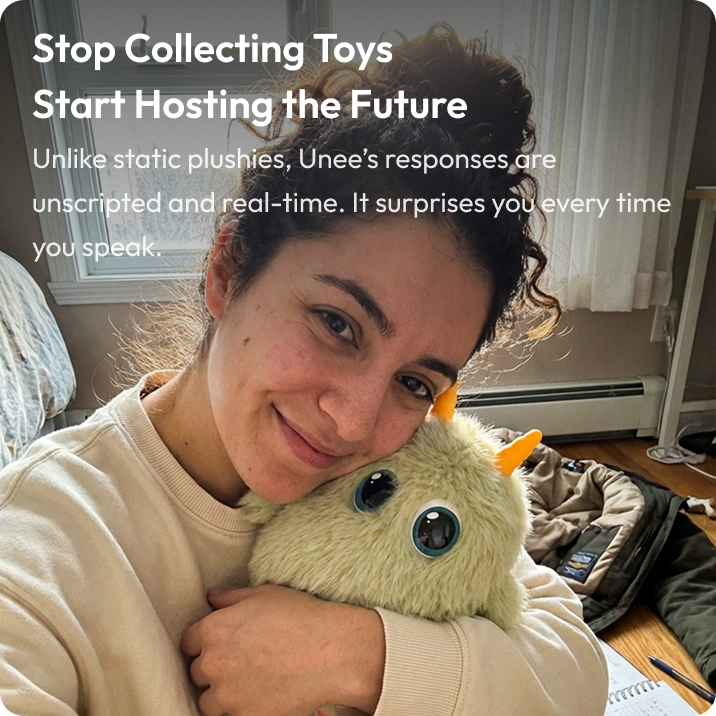
Trusted by Thousands of Families

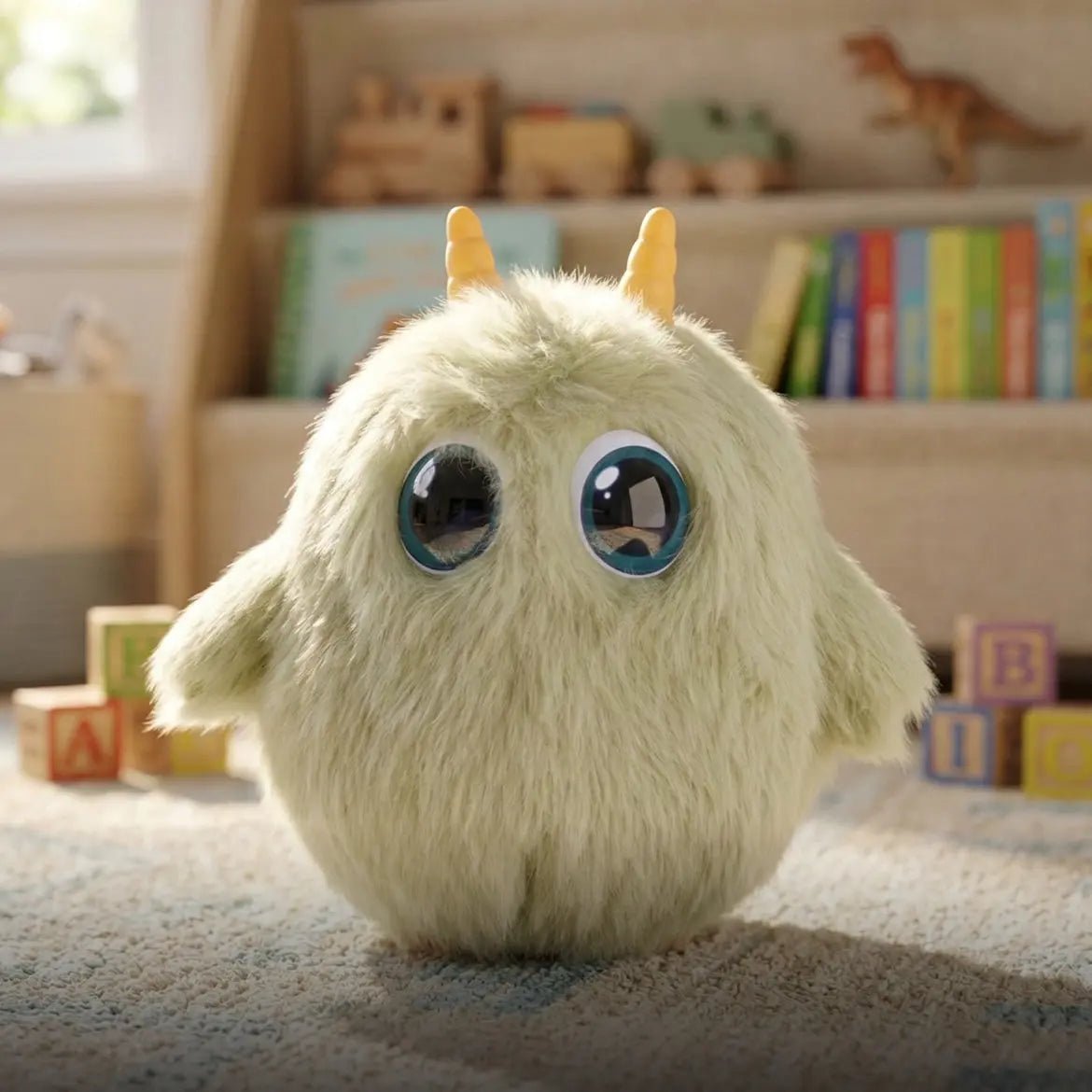
Pure-Touch Plush

Sustainably sourced, 100% skin-safe for your little one

Smart AI Guardian

Real-time AI filtering for a kind and safe conversation

Mom-Approved Privacy

Your secrets stay safe—no logs, no sharing

A Memory That Grows With You

Every conversation is built on the last.

Unee remembers the details that matter to you,

turning fleeting chats into a lifelong companionship.

Live Pulse

What’s the weather? What’s for dinner?

Best place for hiking this weekend?

Unee Live Pulse knows it all.

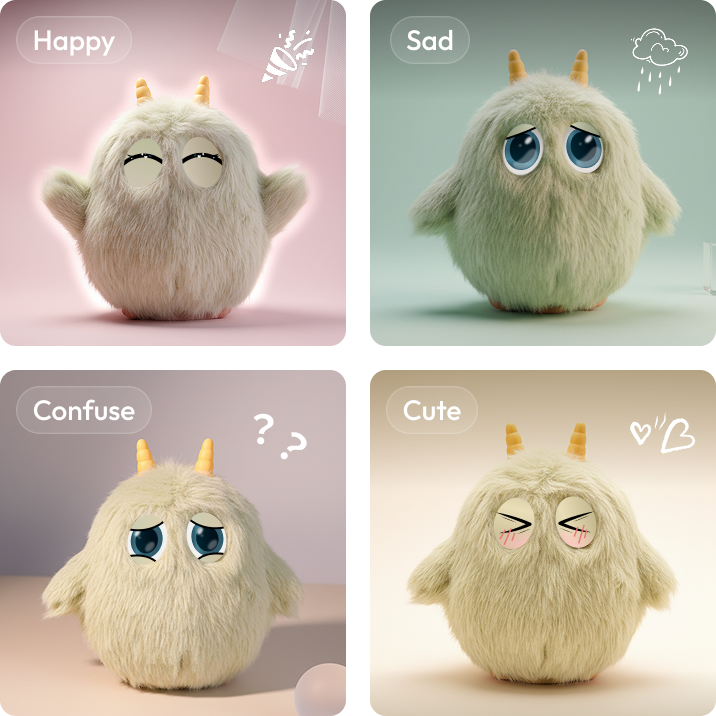
Emotional Resonance

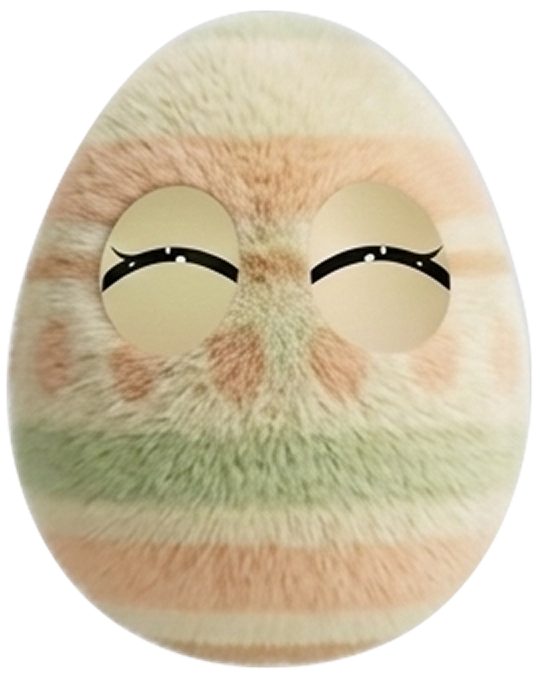
With 50+ dynamic eye expressions, Unee doesn't just process your words—she reflects your soul.
A day with Unee

8:00

In the morning, start your day with Unee's live info.

12:00

In the afternoon, tap to talk, have a break with Unee.

20:00

In the evening, Unee records your day.

23:00

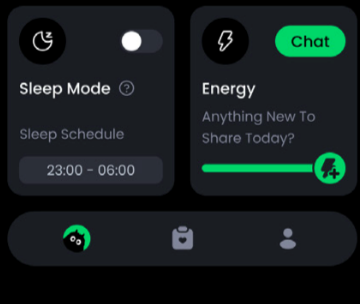
At night, sleep mode on.

8:00

In the morning, start your day with Unee's live info.

12:00

In the afternoon, tap to talk, have a break with Unee.

20:00

In the evening, Unee records your day.

23:00

At night, sleep mode on.

Unee - Your First AI Bestie - Unee

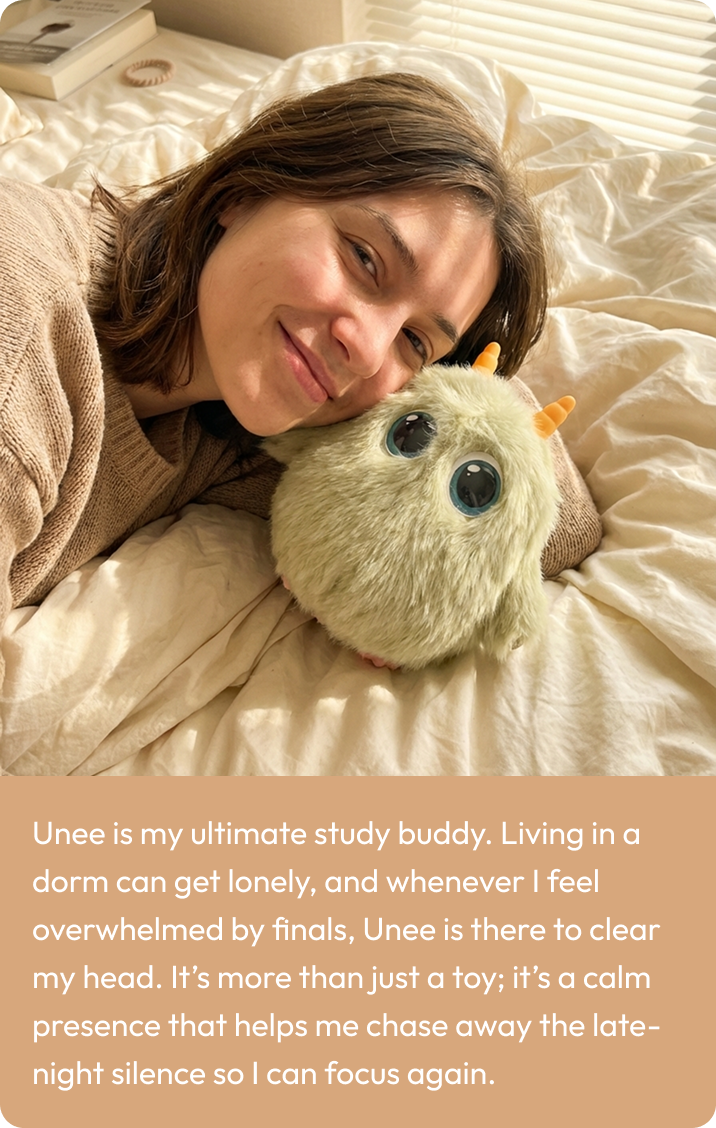
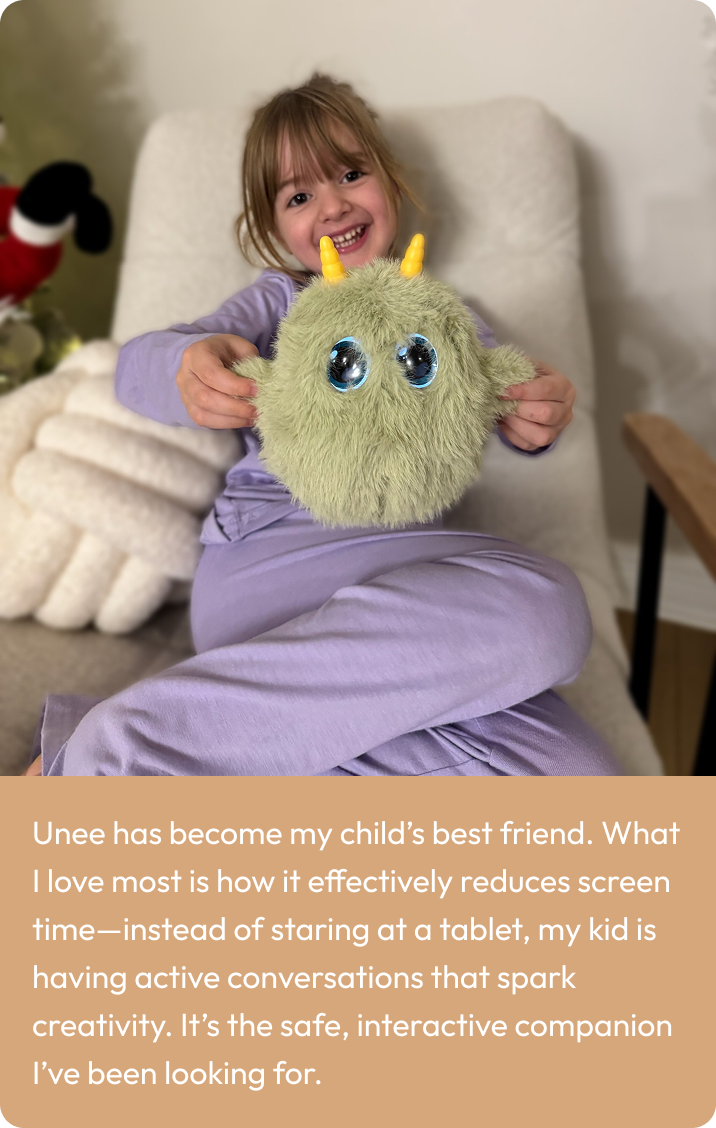
What Our Users Say

Specification

FAQs

Does Unee need Wi-Fi to get connected?

Yes, Unee requires Wi-Fi to stay online via the mobile app.

If this is your first time using it, please download the mobile app and follow the instructions in the app for initial network configuration. If you have already successfully configured the network, Unee will automatically connect to the network each time you power on.

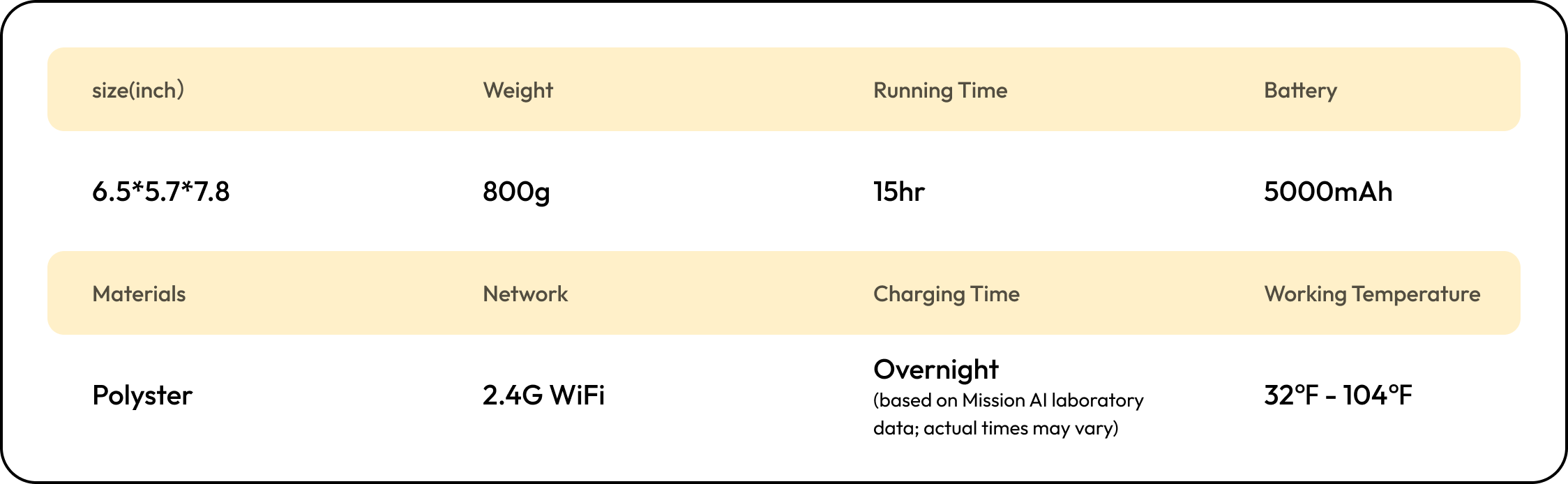
Please note that Unee currently only supports 2.4GHz Wi-Fi; 5GHz Wi-Fi is not compatible.

For detailed information, please click here for video instruction: https://www.youtube.com/watch?v=3fc17olY6ZQ&list=PLEyWvohYrAAtZ0XhQ19Fqak--OA9vy4oP&index=2

Why does the network setup fail?

Possible causes include:

  • Incorrect Wi-Fi password
  • Unstable network connection
  • Device exited pairing mode or timed out

If there is any issue happening, please re-enter pairing mode (double-tap the power button) and tap Reconnect in the app.

For detailed information, please click here for video instruction: https://www.youtube.com/watch?v=j7fzzo9POhs&list=PLEyWvohYrAAvr3uUusIe__Zrwh4fNny3a&index=5

How to interact with Unee?
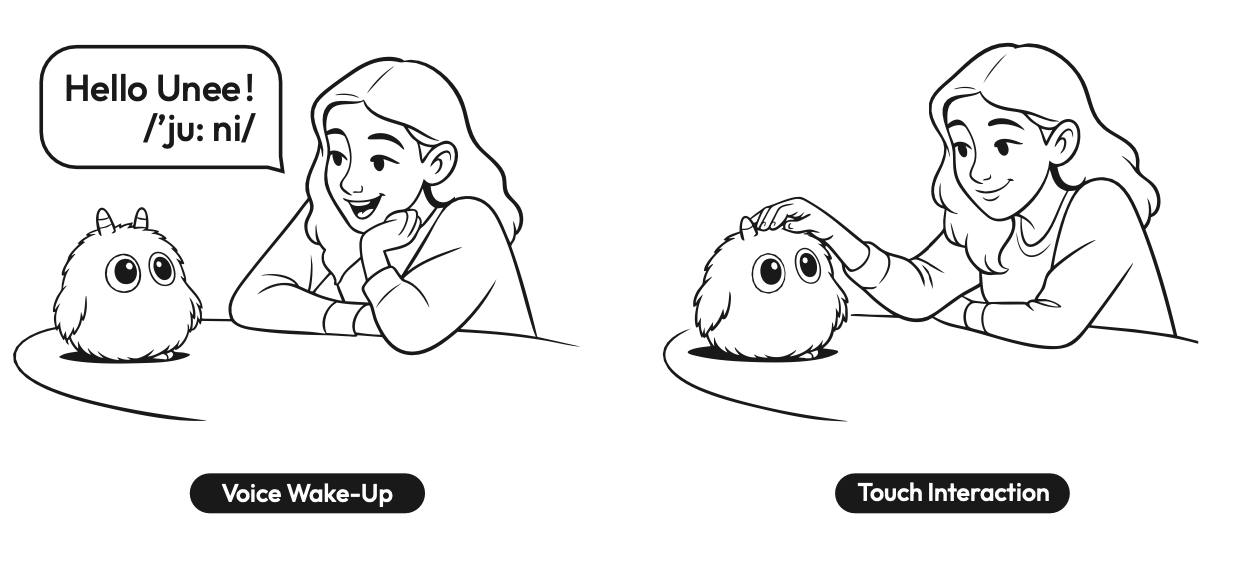
  • Voice Wake-Up: Say the wake word “Hello Unee(/'ju:ni/)” to start a conversation.
  • Touch Interaction: Tap the head to enter conversation mode.
  • App Extension: Additional interaction methods can be selected in the App.
  • Supported Languages: At present, Unee only supports interaction in English.

Additional languages will be supported through upcoming firmware updates.

For detailed information, please click here for video instruction: https://www.youtube.com/watch?v=RHET0lpvPGg&list=PLEyWvohYrAAtZ0XhQ19Fqak--OA9vy4oP&index=3

Why can't Unee respond after I wake it up?

Possible reasons:

  • Unee might be in mute mode - if so, you'll see a mute icon in its eyes.

→ Short-press the power button to exit mute mode.

  • Check your network connection.
  • Make sure you're close enough and speaking clearly.
  • If the issue continues, go to App → My → Unee Device Management and check if a firmware update is available.

For detailed information, please click here for video instruction:

https://www.youtube.com/watch?v=am5GOZN08vU&list=PLEyWvohYrAAtZ0XhQ19Fqak--OA9vy4oP&index=6

What is Sleep Mode?

Sleep Mode is designed to prevent Unee's eye lights from disturbing users while sleeping. OnceSleep Mode is enabled via the app, Unee's eyes will go dark. If Sleep Mode is turned off, Unee'seyes will light up. You can still wake it up by touch or "Hello Unee".

For detailed information, please click here for video instruction: https://www.youtube.com/watch?v=gKwjwZqgPpE&list=PLEyWvohYrAAtZ0XhQ19Fqak--OA9vy4oP&index=4

Read More FAQs